Which mail systems are supported?
Microsoft 365 (Exchange Online) and Google Workspace. One per site. On-premises Exchange and personal Outlook.com or Gmail accounts are not supported.
What does the app need in Microsoft 365?
An app registration in your Entra ID with the application permissions Mail.Send, MailboxSettings.ReadWrite and Calendars.ReadWrite and admin consent — your own, or ours if you grant consent to it. We recommend limiting it to the relevant mailboxes with an Exchange Online application access policy.
And in Google Workspace?
A service account with domain-wide delegation for the scopes gmail.send, gmail.settings.basic and calendar.events — your own, or ours if you authorise it in the Google Admin console.
Can someone set an automatic reply in a colleague’s mailbox?
No. A mailbox is linked to a person only after they enter a 6-digit code sent to that address, or, if your administrator allows it, through the address Atlassian holds for their own account within your company domains. Every self-service action works on the signed-in person only.
What do e-mails, automatic replies and calendar entries say?
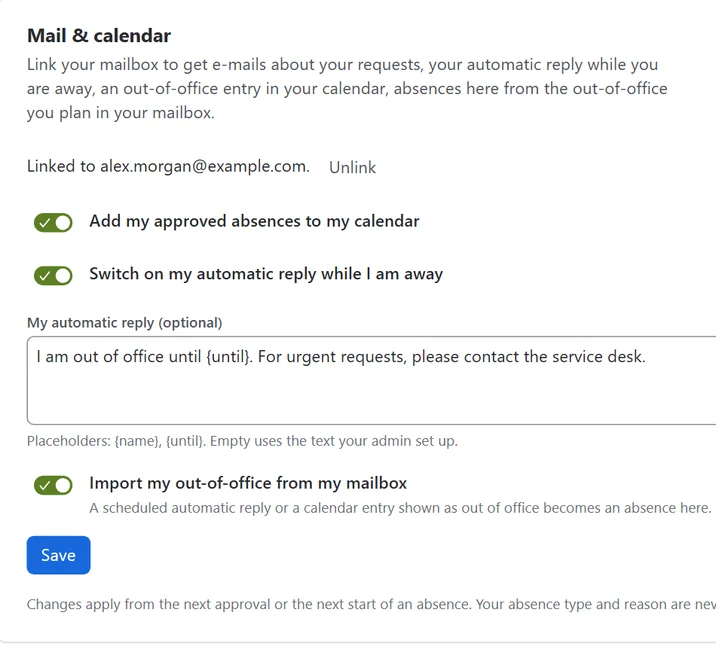
That someone is away, and until when — plus the approver’s note on a decision, and the substitute’s name in the automatic reply if your administrator allows it. Never the absence type, such as sick leave, and never the private reason.
How does the import from Outlook or Google work?
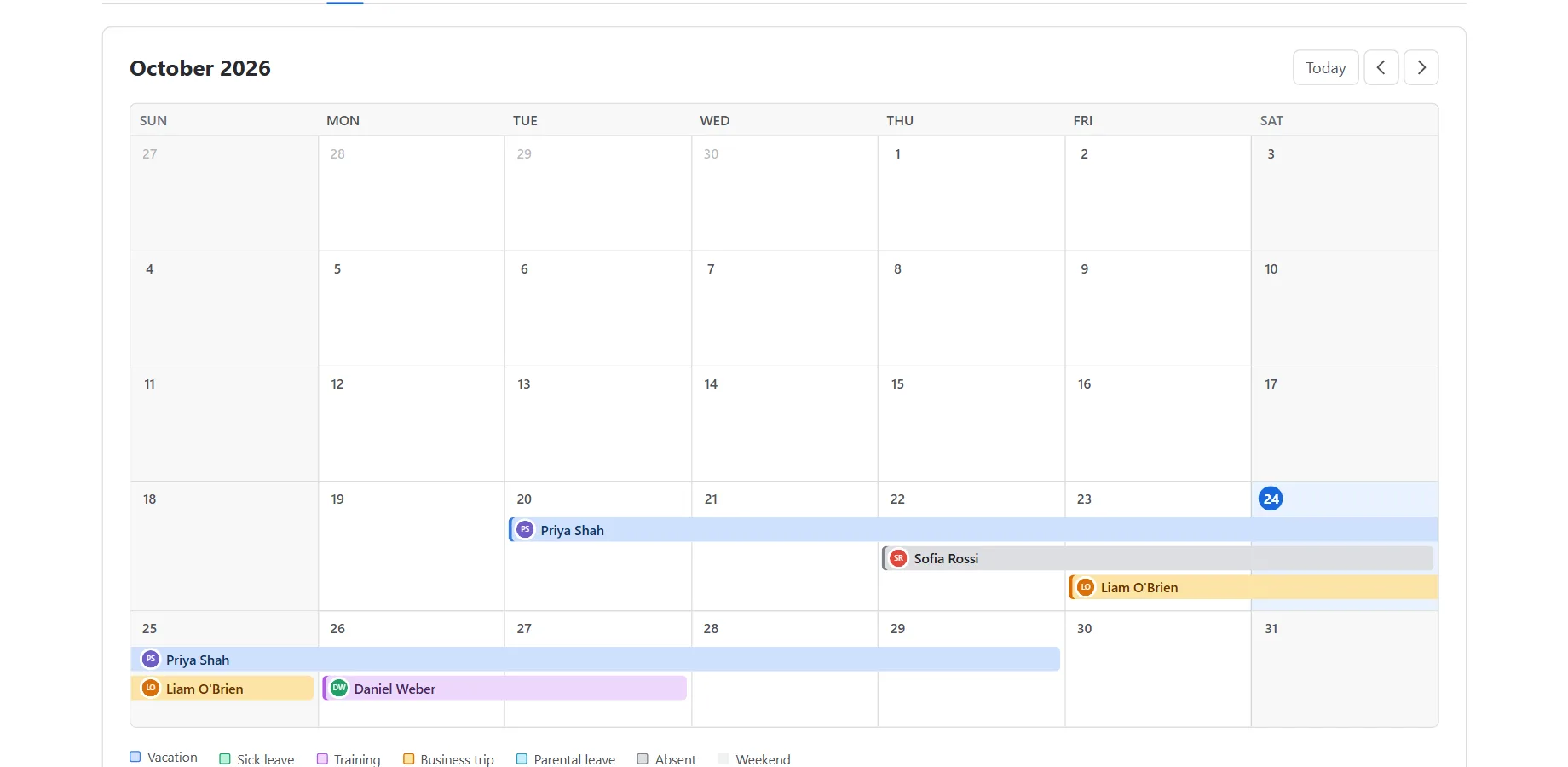
With the import switched on, a scheduled automatic reply or a calendar entry shown as out of office becomes an absence in Jira, as a request for the approver or approved right away, as the administrator chooses. Days already requested in Jira are never imported twice. Until the absence starts, it follows changes in the mailbox; each person can switch the import off.
Can the app stop an issue being assigned to someone who is away?
No, not before the fact: Forge cannot block an assignment as it happens. The app reacts with a warning comment shortly afterwards (internal on Jira Service Management requests), at most once per issue and absence, and the issue view shows the out-of-office hint.
Who can approve requests?
A member of the sitewide approver pool, the requester’s own team approvers, or any Jira administrator, but never the requester on their own request. Approvers listed as people get an e-mail; members of approver groups see requests in Jira.
How do we handle erasure requests and retention?
An administrator can delete all data of a person in one step, with or without an active subscription — including their mailbox link and the automatic reply and calendar entries the app wrote. An optional retention period deletes finished absences; accounts Atlassian reports as closed are cleaned up every week.
Which languages does the app support?
English and German, following each user’s Atlassian profile language. E-mails and automatic replies use the recipient’s Jira language, with a fallback your administrator chooses.
How do I get support?
Through our
support portal, or by e-mail to
support@vi2va.de. Please never send private absence reasons, client secrets, keys or passwords.
 Absence Planner Sync